
Cypress
Test Automation for UI and API Testing
Cypress is a next-generation testing framework built for end-to-end, integration, and component testing of modern web applications. It is designed to handle the complexities of today's JavaScript-based front-ends, ensuring your applications work reliably across environments. This page shows how I help you implement Cypress as part of an efficient testing pipeline that integrates smoothly with your CI/CD process.
What is Cypress?
Cypress is a powerful, open-source testing framework designed for end-to-end testing of web applications. It runs directly in the browser and provides a rich, interactive interface that simplifies writing, debugging, and running tests. Features like automatic waiting, time-travel debugging, and real-time reload make it easy to ensure the functionality and reliability of your web applications.
With my expertise, I can guide you in implementing Cypress for effective test automation — covering UI flows, API checks, and component testing — so your team delivers consistent user experiences with confidence.
Why choose Cypress?
Developer experience that sticks
Time-travel debugging, automatic waiting, and a real DOM inspector — engineers actually want to maintain Cypress tests.
One tool, three layers
E2E, API checks, and component testing in a single framework. Fewer stacks, less config drift, less to teach new joiners.
Plays nicely with CI
Parallelise on Cypress Cloud or open-source runners, get videos and screenshots on failure, and ship results to your dashboard.
Best practices in Cypress
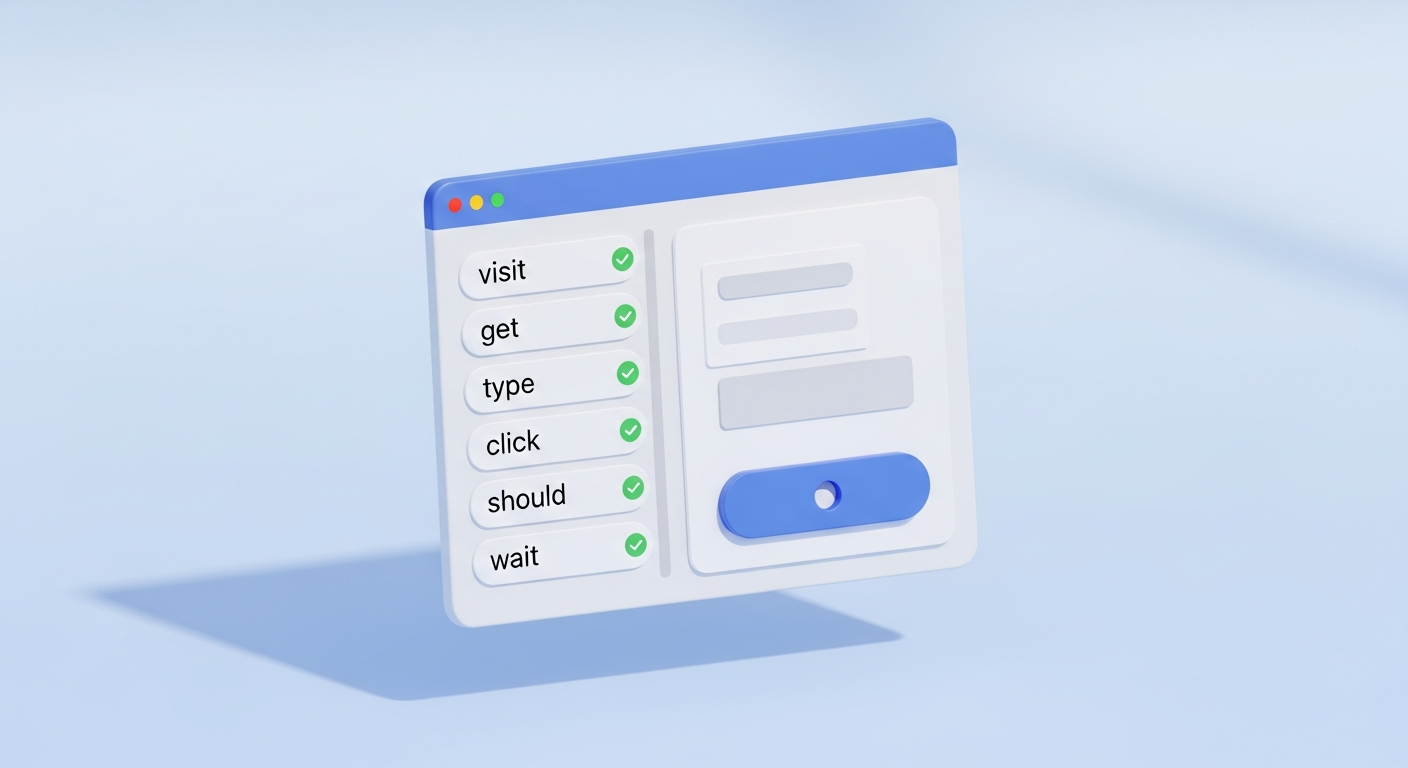
Use data-cy selectors
Decouple your tests from CSS classes and copy. data-cy attributes survive design changes and refactors.
cy.get('[data-cy="submit-order"]').click();cy.intercept for deterministic tests
Stub network calls so flakey backends never cause flakey tests. Assert on the request and the response.
cy.intercept('POST', '/api/orders', { fixture: 'order.json' }).as('order');
cy.wait('@order').its('request.body.total').should('eq', 49.95);Custom commands for reusable flows
Wrap login, seed data, or feature flags in Cypress.Commands.add — and keep individual tests declarative.
Cypress.Commands.add('loginAs', (role) => {
  cy.session(role, () => api.signIn(role));
});Parallel runs in CI
cypress-parallel or Cypress Cloud splits specs across workers so a 30-minute suite drops to 5 minutes.
npx cypress run --record --parallel --ci-build-id $BUILD_IDConfig in cypress.config, not in tests
baseUrl, viewport, retries, env vars — keep them out of test files so your suite stays portable across environments.
I make sure industry best practices are applied in every Cypress implementation, so your suite stays reliable, maintainable, and quick to run.
Test automation reporting
Cypress provides built-in spec reporting and integrates with popular dashboards for stakeholder-ready output. Combined with automatic video and screenshot capture on failure, it makes debugging failing tests and sharing results straightforward.
Mochawesome
Beautiful HTML reports with embedded screenshots and video links per test.
JUnit XML
First-class CI integration for Jenkins, GitLab, Azure DevOps, and CircleCI.
Allure
PickHistory, trends, severity, and step-level breakdown for stakeholder dashboards.
Cypress Cloud
Hosted dashboard with parallelisation, flake detection, and replay.
Use cases
Cypress fits a wide range of automation needs. Below are common engagements where I help clients get more out of Cypress.
- 01Client

End-to-end coverage for a SaaS application
For Bynder, I built a Cypress suite around their critical user journeys, running on every pull request with parallelised workers — so regressions are caught before merge instead of after.
- 02
Combined UI and API testing in one suite
For teams that previously maintained two separate test stacks, I consolidate UI and API checks into a single Cypress suite using cy.intercept and cy.request, cutting maintenance and catching contract drift earlier.
- 03
Component testing for a design system
For teams shipping a shared component library, I set up Cypress component testing to verify UI building blocks in isolation, replacing slower visual-regression workflows with fast, deterministic assertions.
Useful links
Ready to take the next step in Cypress?
With years of experience in test automation and tools like Cypress, I help businesses ship faster and more reliably. Get in touch to discuss how we can implement Cypress for your team.